
Contents
- 🎵 Introduction to Projectors
- ⚙️ Choosing the Right Projector
- 📊 Setting Up the Projector
- 👥 Calibrating the Image
- 🌍 Troubleshooting Common Issues
- ⚡ Advanced Projector Features
- 🤔 Projector Maintenance and Care
- 🔮 Future of Projectors
- 💡 Practical Applications of Projectors
- 📚 Related Topics and Deeper Reading
- References
Overview
A projector setup guide is essential for individuals and organizations looking to deliver high-quality presentations, educational content, and entertainment. With the help of industry experts, setting up a projector has never been easier. Whether you're a teacher, presenter, or entertainment enthusiast, this guide will help you get started with projector setup and ensure a seamless viewing experience.
🎵 Introduction to Projectors
Introduction to projectors — Projectors have been a staple in education and business for decades. Today, projectors are used in a variety of settings, including conference rooms, classrooms, and home theaters.
⚙️ Choosing the Right Projector
Choosing the right projector — When it comes to choosing a projector, there are several factors to consider, including the type of content being projected, the size of the room, and the level of brightness required. Considerations such as resolution, contrast ratio, and connectivity options, including HDMI and USB, should also be taken into account.
📊 Setting Up the Projector
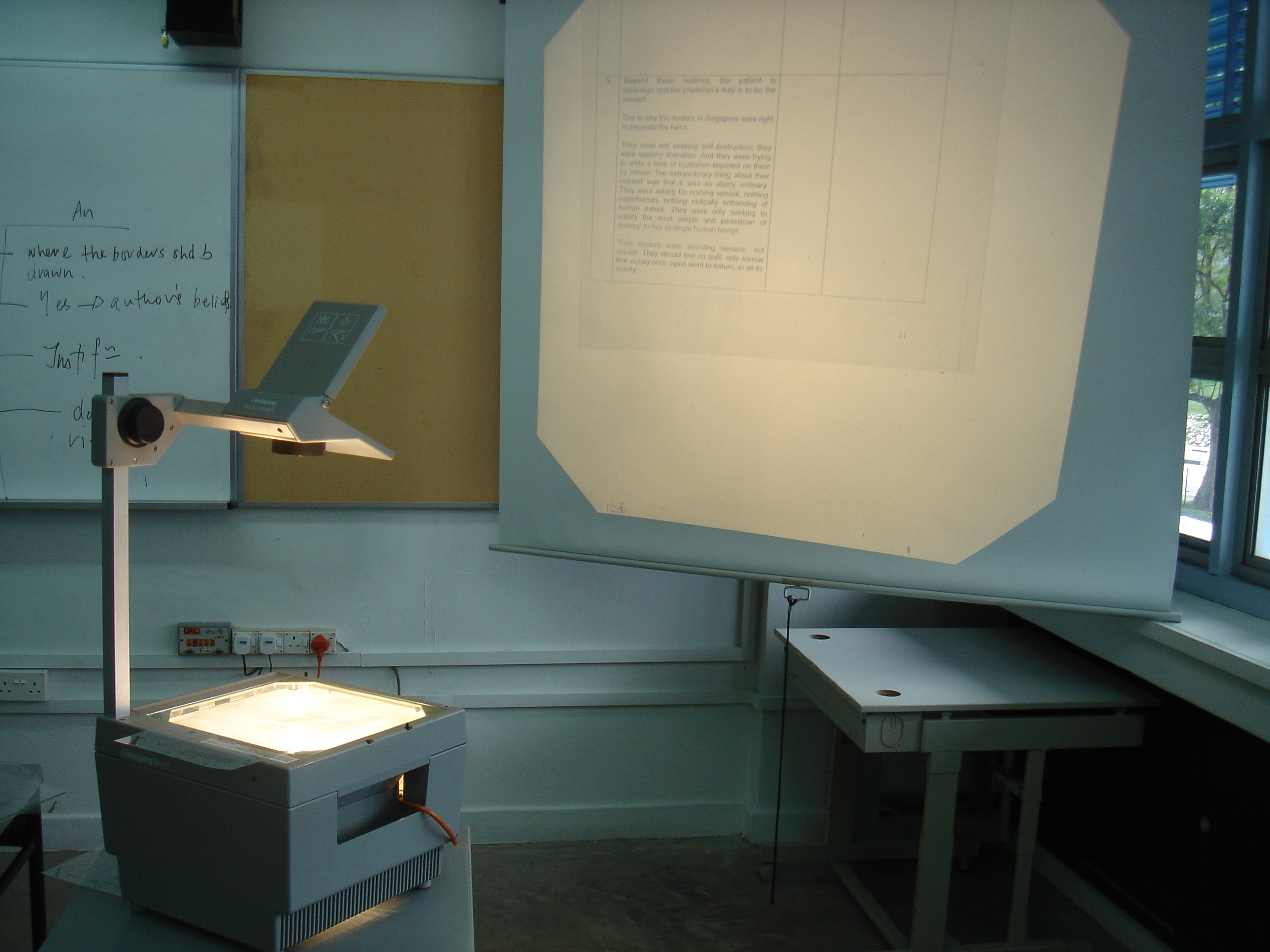
Setting up the projector — Once the right projector has been chosen, the next step is to set it up. This involves connecting the projector to a power source, as well as to a computer or other device, using cables like HDMI or VGA. The projector should then be positioned in a way that allows for optimal viewing, taking into account factors such as the size of the screen and the distance between the projector and the screen. Well-designed presentation spaces, including those with projectors, can improve employee productivity and engagement.
👥 Calibrating the Image
Calibrating the image — To ensure optimal image quality, it's essential to calibrate the projector. This involves adjusting the focus, zoom, and keystone settings to achieve a clear and sharp image. Considerations such as color temperature and brightness should also be taken into account.
🌍 Troubleshooting Common Issues
Troubleshooting common issues — Despite proper setup and calibration, issues can still arise with projectors. Common problems include poor image quality, connectivity issues, and overheating. To troubleshoot these issues, it's essential to refer to the user manual or contact the manufacturer's support team. Regular maintenance, including cleaning the filter, can improve projector lifespan and reduce downtime.
⚡ Advanced Projector Features
Advanced projector features — Modern projectors often come with advanced features, including wireless connectivity and high dynamic range (HDR) support. These features can enhance the viewing experience and provide greater flexibility in terms of setup and use. The use of Laser technology is becoming increasingly popular, offering improved image quality and increased lifespan.
🤔 Projector Maintenance and Care
Projector maintenance and care — To ensure the longevity of a projector, regular maintenance and care are essential. This includes cleaning the lens and filter, updating software, and storing the projector in a cool, dry place.
🔮 Future of Projectors
Future of projectors — The future of projectors is exciting, with advancements in technology leading to the development of new and innovative products.
💡 Practical Applications of Projectors
Practical applications of projectors — Projectors have a wide range of practical applications, including education, business, and entertainment. They can be used to deliver presentations, display educational content, and provide entertainment in home theaters.
Key Facts
- Category
- technology
- Type
- concept