
Contents
Overview
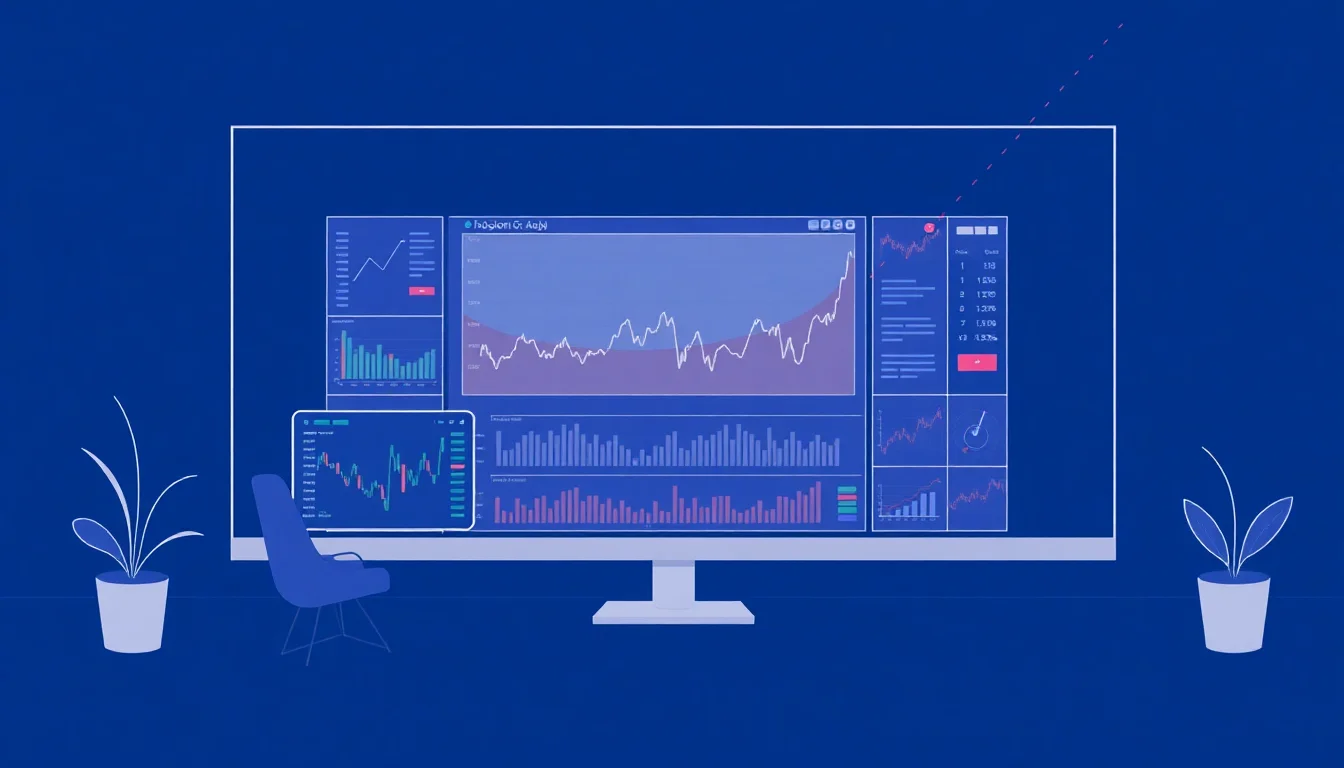
Customizable data screens are dynamic digital interfaces designed to present information in a format tailored to the user's specific needs and preferences. Think of them as a personalized dashboard for your digital life, whether that's tracking stock market fluctuations, monitoring social media engagement, or managing complex project workflows. Unlike static reports, these screens pull real-time data from various sources, allowing for immediate insights and informed decision-making. The core innovation lies in their adaptability, transforming raw data into actionable intelligence through user-defined layouts, widgets, and alerts. This flexibility is crucial in today's information-saturated environment, where sifting through irrelevant data can be a significant drain on productivity.
🧑💻 Who Needs Customizable Data Screens?
These tools are indispensable for a broad spectrum of professionals and enthusiasts. Financial analysts, for instance, rely on them to monitor portfolios and market trends in real-time, often integrating feeds from platforms like Bloomberg and Refinitiv. Marketers use them to visualize campaign performance across multiple channels, pulling data from Google Analytics and Facebook Ads. Project managers can consolidate task statuses, team availability, and budget tracking from tools like Jira and Asana. Even hobbyists, such as gamers tracking in-game stats or cryptocurrency traders monitoring portfolio performance, find immense value in a personalized data view. Essentially, anyone who needs to synthesize information from disparate sources to make faster, better decisions will benefit.
⚙️ How Do They Actually Work?
At their heart, customizable data screens function by connecting to various Application Programming Interfaces (APIs) or data feeds. Users select 'widgets' or 'modules'—pre-built components that display specific types of information (e.g., a stock ticker, a weather forecast, a social media feed). These widgets are then arranged on a digital canvas, much like arranging elements on a webpage. The underlying software continuously polls the connected data sources, updating the displayed information as new data becomes available. Advanced systems allow for data transformation, filtering, and even the creation of custom widgets through scripting or low-code interfaces, offering a deep level of control over the presented information. The Vibe Score for the underlying data integration technology often reflects its robustness and the breadth of available connectors.
💡 Key Features to Look For
When evaluating customizable data screen solutions, several features warrant close attention. The breadth and depth of available data connectors are paramount; can it pull from your essential services like Salesforce or GitHub? The intuitiveness of the drag-and-drop interface for arranging widgets is critical for ease of use. Look for robust alert systems that can notify you of specific data thresholds or events. Customizable dashboards with options for different chart types (line, bar, pie) and data visualizations are also key. Finally, consider the platform's scalability and security, especially if handling sensitive business data. The ability to create shared dashboards for team collaboration is another significant advantage.
🆚 Alternatives & Competitors
The market for data visualization and dashboarding is crowded, with several strong contenders. Tableau and Power BI are enterprise-grade solutions offering extensive data manipulation and visualization capabilities, though they often come with a steeper learning curve and higher cost. For more focused, real-time monitoring, platforms like Geckoboard and Datadog excel, particularly for business operations and IT performance. Open-source options like Grafana provide immense flexibility for those with technical expertise, allowing for deep customization but requiring self-hosting and management. The choice often hinges on the complexity of data sources, the required level of interactivity, and the technical proficiency of the end-users. Each has a distinct Controversy Spectrum regarding ease of use versus power.
💰 Pricing & Plans
Pricing for customizable data screens varies widely, from free tiers to substantial enterprise contracts. Many services operate on a subscription model, often tiered by the number of users, the number of dashboards, the frequency of data refreshes, or the number of data sources connected. Free or basic plans might offer limited widgets and data sources, suitable for individual use or small projects. Mid-tier plans, typically ranging from $20-$100 per user per month, unlock more advanced features, integrations, and support. Enterprise solutions can cost thousands of dollars annually, offering dedicated support, advanced security features, and custom integrations. It's crucial to assess your specific needs against the feature sets offered at each price point to avoid overpaying or under-provisioning. Some platforms offer custom pricing for large deployments.
⭐ User Reviews & Vibe Scores
User sentiment for customizable data screens is generally positive, with a high Vibe Score often associated with platforms that strike a balance between power and usability. Common praise points include the ability to gain quick insights and improve team alignment. However, frustrations can arise with complex setup processes, limited integration options for niche software, or unexpected costs. Reviews often highlight the 'aha!' moments when disparate data points suddenly make sense on a well-configured screen. Negative feedback frequently centers on poor customer support or a lack of flexibility in widget customization. Examining user forums and review sites like G2 Crowd can provide a realistic picture of a platform's strengths and weaknesses.
🚀 Getting Started with Your Screen
To begin leveraging customizable data screens, the first step is to clearly define your objective. What specific questions do you need answered? What data points are critical to your decision-making process? Once your goals are clear, research platforms that offer integrations with your primary data sources. Many services provide free trials, which are invaluable for testing the interface, the available widgets, and the overall user experience. Start with a simple dashboard focusing on your most critical metrics, and gradually expand its complexity as you become more comfortable. Don't be afraid to experiment with different layouts and visualizations to find what provides the clearest insights. Many platforms offer template dashboards to kickstart the process.
Key Facts
- Year
- 1980
- Origin
- Financial Trading Platforms
- Category
- Software & Technology
- Type
- Concept/Technology
Frequently Asked Questions
Can I create custom widgets if the pre-built ones aren't enough?
Many advanced platforms allow for custom widget creation. This can range from simple configuration options to full-blown coding using JavaScript or other scripting languages. Some offer low-code or no-code builders for creating custom visualizations without extensive programming knowledge. Check the platform's documentation for 'custom widget' or 'developer API' sections to understand the possibilities.
How often does the data update on these screens?
The data refresh rate varies significantly by platform and pricing tier. Free or basic plans might update data every 5-15 minutes, or even hourly. Paid plans often offer real-time or near real-time updates, sometimes as frequently as every few seconds. For critical applications requiring immediate data, look for services that explicitly advertise 'real-time' or 'streaming' data capabilities.
Are customizable data screens secure for sensitive business information?
Security is a major consideration. Reputable platforms employ robust security measures, including data encryption (in transit and at rest), secure API authentication (like OAuth), and compliance with industry standards (e.g., SOC 2, GDPR). Always review the platform's security documentation and ensure it meets your organization's compliance requirements before integrating sensitive data.
What's the difference between a customizable data screen and a business intelligence tool?
While there's overlap, customizable data screens often focus on presenting real-time, operational data for immediate monitoring and quick decision-making. Business intelligence (BI) tools typically offer deeper analytical capabilities, historical data analysis, complex reporting, and predictive modeling. Think of data screens as your car's dashboard (immediate status) and BI tools as your mechanic's diagnostic computer (deep analysis).
Can I share my custom dashboards with my team?
Yes, most platforms offer features for sharing dashboards. This can range from simple view-only links to collaborative workspaces where team members can edit dashboards together. Permissions management is often included, allowing administrators to control who can view, edit, or create dashboards. This is crucial for team alignment and shared situational awareness.
What kind of technical expertise is needed to set up a data screen?
The required expertise varies greatly. Simple dashboards pulling data from common services like Google Analytics or social media can often be set up with minimal technical skill using intuitive drag-and-drop interfaces. However, integrating with custom databases, complex APIs, or building custom widgets will require more advanced knowledge, potentially including SQL, API documentation reading, and basic programming.